An AI agent becomes operationally useful when it can work with the information and systems a business already relies on. A model may interpret a request and propose a next step, but resolving a service case, updating a customer record, or checking a purchase order requires dependable connections to enterprise applications. The central engineering challenge is not simply giving an agent access. It is controlling what information it sees, what actions it may take, and how failures are handled.
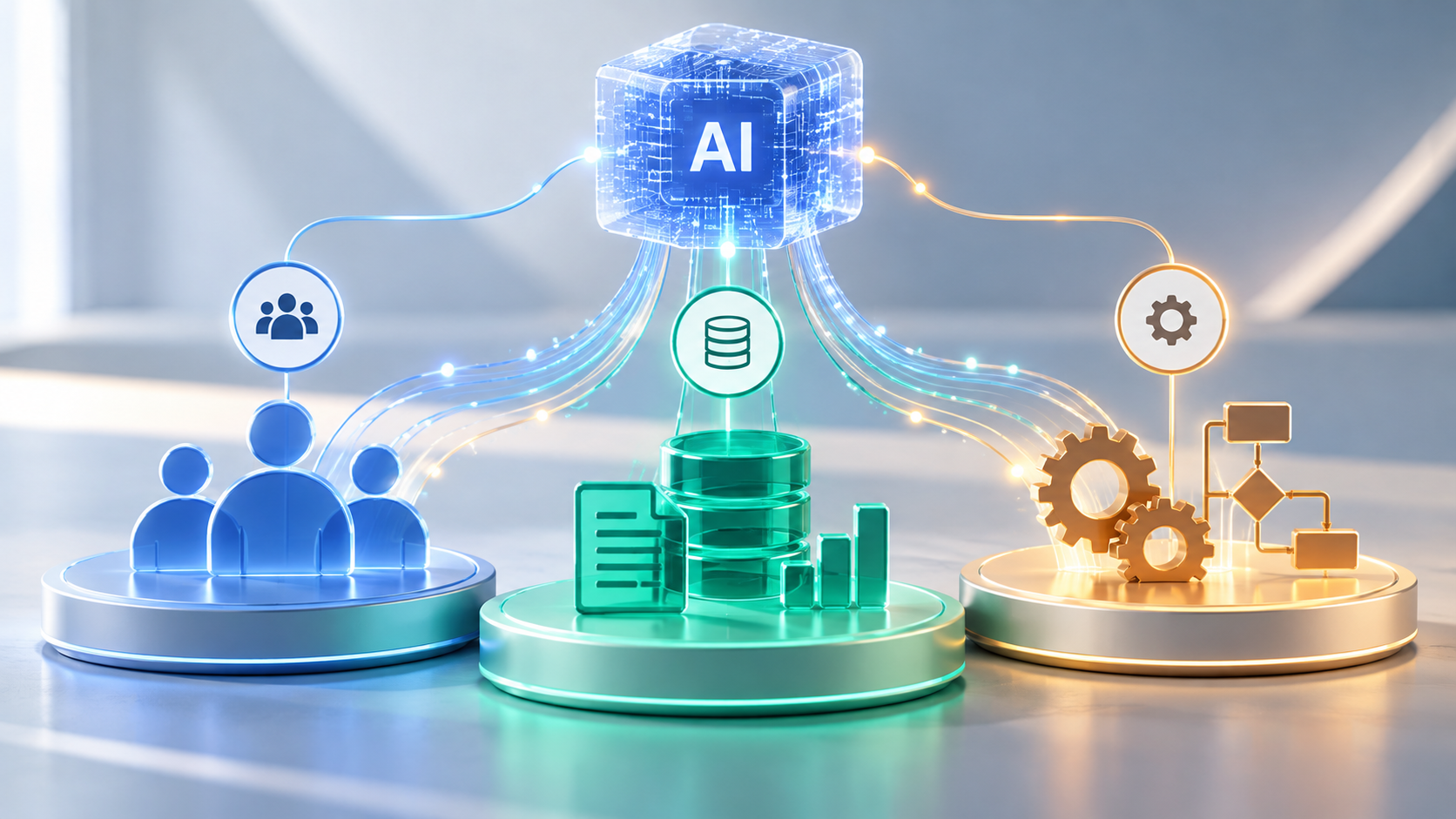
Four concepts frequently appear in these designs: APIs for connecting applications, Model Context Protocol (MCP) for exposing tools and resources to AI applications, retrieval-augmented generation (RAG) for grounding answers in organizational knowledge, and integrations with systems of record such as CRM and ERP platforms. They serve different purposes and are often used together.
Start with the Systems of Record
Customer relationship management (CRM) software stores account details, service cases, sales activity, and customer interactions. Enterprise resource planning (ERP) systems manage operational processes such as purchasing, inventory, finance, and fulfillment. An agent assisting either function must distinguish authoritative records from unverified notes and generated summaries.
Consider a business responding to a shipment dispute. The customer-service platform contains the conversation, the CRM identifies the account, and the ERP or order-management system records fulfillment status. The agent may assemble those facts and recommend the next step, but refund eligibility should come from approved policies and current transaction data. A persuasive answer based on stale information can still be wrong.
APIs and Connectors: The Foundation for Agent Actions

Application programming interfaces allow software to request records or execute defined operations. An enterprise agent typically accesses them through connectors, services, or approved tools rather than obtaining unrestricted database access. Each operation should have a clear purpose, such as retrieving an order, opening a support ticket, or preparing an inventory adjustment.
Read and write operations carry different risks. Reading a customer record may expose confidential information; changing an address, approving a payment, or closing a case affects the business itself. Integrations should validate inputs, honor application permissions, enforce transaction limits, and return explicit success or failure states. A model’s statement that an action succeeded is not a substitute for confirmation from the underlying system.
Reliable connectors must also account for rate limits, network interruptions, duplicate requests, and inconsistent records. For operations that can be retried, developers may need idempotency controls to prevent the same instruction from creating duplicate transactions. Logging should make the sequence of requests and resulting changes auditable.
What Model Context Protocol Adds
Model Context Protocol (MCP) gives AI applications a standard way to discover and use external tools and resources rather than requiring a separate tool interface for every assistant. In a typical arrangement, an MCP client communicates with an MCP server that advertises available functions and exposes structured interfaces. Tool specifications include names and input schemas that an AI application can use to invoke approved operations.
MCP can reduce the need to implement a different tool interface for every model or assistant platform, but it does not eliminate the integrations behind those tools. MCP standardizes how AI applications discover and call available tools, while APIs define how those tools interact with enterprise software. An MCP server may itself call a CRM API, query a knowledge service, or trigger an existing workflow. The enterprise application still controls the authoritative record, and developers remain responsible for authorization and validation.
The MCP specification documents tools, resources, and authorization mechanisms. It also recommends keeping users informed about tool invocations and providing confirmation for consequential actions. Protocol compatibility is not a security certification: an organization must still evaluate each server, its requested permissions, the origin of its data, and the actions it exposes.
Where Retrieval-Augmented Generation Fits
Retrieval-augmented generation helps agents answer questions using relevant information fetched at request time. Instead of relying solely on the model’s trained knowledge, a RAG system retrieves relevant information from approved documents, databases, or other knowledge sources and provides that context to the model when generating a response. This is useful for policy manuals, technical documentation, product information, and internal procedures that change over time.
RAG is not the same as a transaction integration. Retrieving a policy can help determine whether a customer qualifies for an exception; checking whether a refund was actually issued requires an authoritative system query. Documents may explain a process, while APIs reveal current operational state and perform actions. Robust applications often need both.
The quality of RAG depends on document freshness, chunking, retrieval relevance, source attribution, and access controls. Users should not receive confidential passages simply because a search index contains them. Microsoft’s guidance on enterprise knowledge and retrieval emphasizes organization-specific grounding and permission-aware retrieval, while also noting that retrieval has limits and does not guarantee a correct response.
These technologies perform complementary functions within an enterprise AI system. The following comparison summarizes how each contributes to a connected agent workflow.
| Technology | Primary purpose | Role in an AI agent |
|---|---|---|
| APIs | Expose application operations | Retrieve records and perform approved actions |
| MCP | Standardize tool and resource interfaces | Discover and invoke structured tools |
| RAG | Retrieve relevant organizational knowledge | Ground responses in approved sources |
| CRM | Maintain customer relationship records | Provide account and interaction data |
| ERP | Maintain operational records | Provide inventory, finance, and fulfillment data |
A Practical CRM and ERP Integration Workflow
Imagine a distributor receiving a request to change the delivery date of a major order. The agent first identifies the customer and order through approved CRM and order-management tools. It checks shipment status, inventory allocation, and delivery constraints through ERP or logistics integrations. It then retrieves the applicable service policy through a controlled knowledge search.
If the shipment has not been dispatched and the change falls within documented rules, the agent can prepare an update or propose a permitted action. If changing the delivery date would affect contractual commitments, inventory reservations, or another customer’s allocation, it should stop and route the decision to an authorized employee. After approval, the system should record the change, verify the resulting state, and notify the customer through an approved channel.
The important distinction is between interpreting the request and committing a business transaction. Models may assist with the first; the second requires validated business logic, auditability, and appropriate authorization. For example, an ERP update might succeed even if the subsequent CRM notification fails. The workflow should record the partial completion, confirm the ERP state, and retry or escalate the notification without repeating the original change. That requires reliable state tracking and recovery procedures, especially when services are unavailable or records are edited concurrently.
Designing Security and Governance Into the Connection
Agents should receive the minimum permissions necessary for a specific task. Authentication establishes who a user or system is; authorization determines which records and operations that identity may access. A service agent may be authorized to retrieve order information without receiving permission to modify payment details. A purchasing assistant may draft requests but require managerial approval before committing funds. These boundaries must be enforced by infrastructure and application logic, not only by instructions written in a prompt.
Data retrieved from documents, messages, or external services may contain malicious instructions. Treat that content as untrusted input rather than allowing it to override an agent’s approved role. Limit which tools can be invoked, validate arguments before execution, and separate retrieval from sensitive write operations. Sensitive values should not appear unnecessarily in prompts, logs, or external requests.
The agent also needs an operational owner. Teams should define retention rules, monitor unusual tool usage, maintain a manual fallback, and periodically review credentials and permissions. Salesforce’s guidance on agent actions illustrates why access must be considered at both the end-user and agent-user level, depending on the deployment channel.
Choosing Between Existing Platforms and Custom Integration
Some enterprise platforms already offer supported agent actions, connectors, and knowledge integrations. Those are sensible starting points when their permissions, workflow limits, and vendor support match the requirement. A custom integration becomes more compelling when a business needs specialized rules, legacy-system connectivity, cross-platform orchestration, or independent control over data movement.
Neither approach should be selected only because it is faster to demonstrate. Assess API coverage, licensing implications, identity integration, data residency, logging, recovery procedures, and maintenance obligations. Compare the entire operational workflow rather than the quality of a model’s response in isolation.
Before committing to an integration approach, organizations should assess the technical and operational requirements that determine long-term reliability.
| Readiness area | Key question |
|---|---|
| Data quality | Are authoritative records accurate and available? |
| API capabilities | Do integrations support required operations? |
| Access controls | Are permissions scoped to each user and agent? |
| Security | Are sensitive data and write actions protected? |
| Reliability | Can retries and partial failures be reconciled? |
| Monitoring | Can decisions and tool activity be traced? |
| Maintenance | Who owns updates, testing, and support? |
Testing the Complete Workflow
A useful pilot should include ordinary requests, missing documents, contradictory records, expired credentials, denied permissions, API timeouts, repeated instructions, and cases that require approval. Test whether the agent retrieves the correct evidence, chooses the right tool, respects authorization boundaries, and accurately reports what did or did not happen.
Measure successful end-to-end completion, error and escalation rates, latency, correction effort, and cost per resolved task. Evaluate the final state in CRM or ERP, not merely the generated message. A response can sound correct even when the record was not updated or an operation failed halfway through.
Enterprise agent integration succeeds when the model’s flexible interpretation is combined with dependable data retrieval and controlled application behavior. MCP can standardize tool access, RAG can provide grounded organizational context, and CRM or ERP APIs can expose operational state. The lasting value comes from engineering those pieces into a secure, testable workflow that employees can trust and correct.
Related reading: Which AI Software Is Right for Your Business? An In-Depth Look