Tag Archives: Productivity

AI in Software Development: Planning to Production

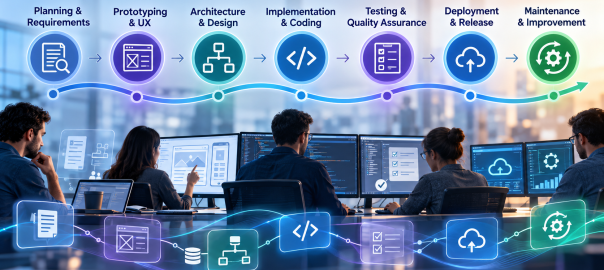
AI-assisted development is often reduced to code generation. Its more consequential effect is how engineering teams move information and decisions through the entire software development lifecycle (SDLC). Requirements become test cases, prototypes inform architecture, code changes trigger reviews, and operational feedback shapes the next release. AI can assist at every handoff—but only when teams retain clear ownership of the decisions.

Google’s 2025 DORA research describes AI as an amplifier of organizational strengths and weaknesses. That is a useful lens: accelerating one stage of development does not automatically produce better software or faster, safer releases. The opportunity lies in connecting AI-assisted work to a disciplined delivery process.

1. Discovery and Requirements: Turning Ambiguity into a Plan

Software projects routinely begin with incomplete requests, competing priorities, and undocumented assumptions. AI can help analyze stakeholder notes, summarize interviews, group feature requests, draft user stories, and identify requirements that need clarification. For an existing application, it may also help teams understand documentation and trace likely dependencies.

The meaningful deliverable is not a polished requirements document produced in seconds. It is a set of decisions that stakeholders can validate: intended users, acceptance criteria, business rules, integrations, accessibility needs, and constraints. Have product owners confirm those decisions before they become implementation instructions.

2. Prototyping and UX: Exploring Alternatives Earlier
UX Design

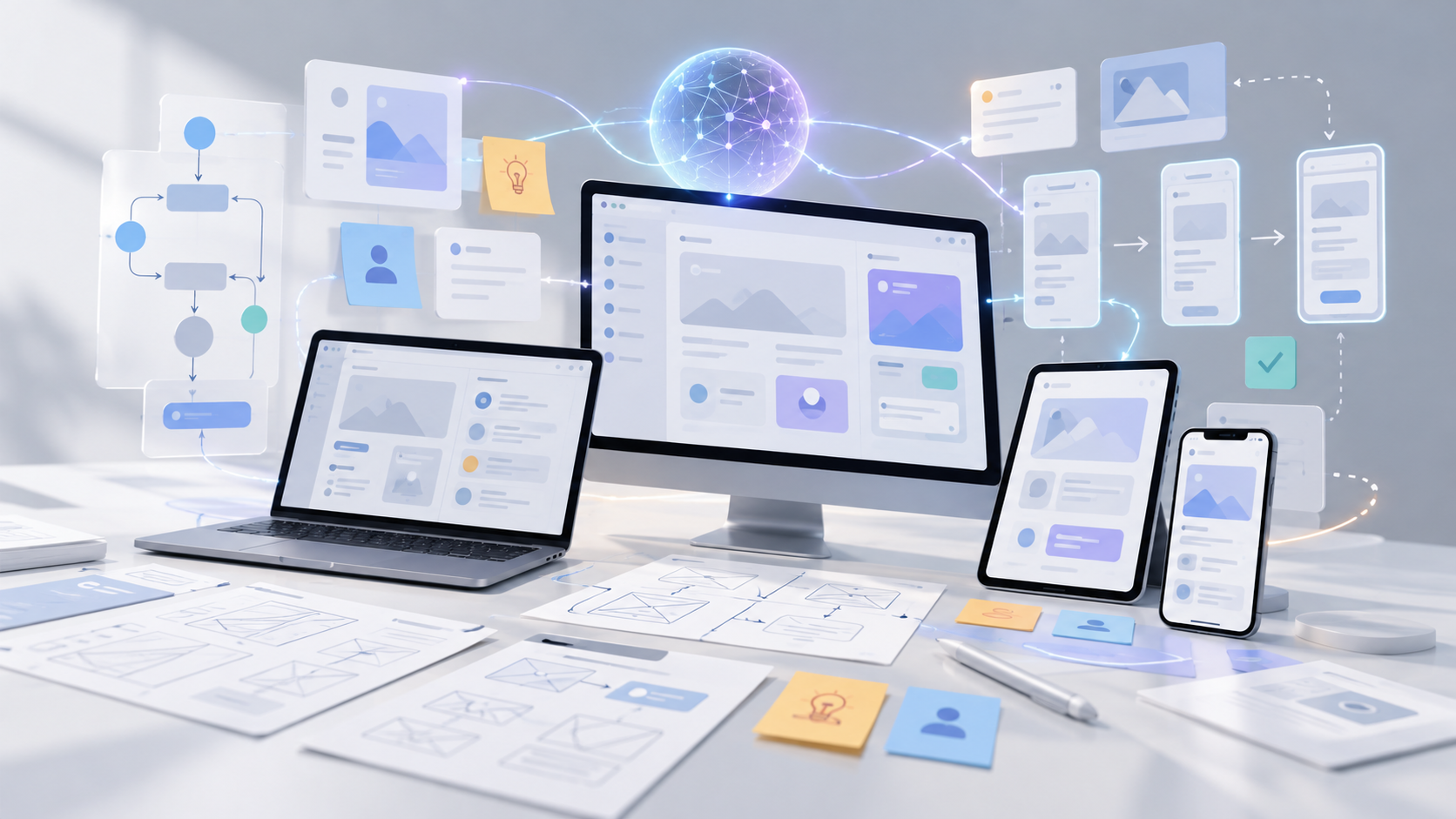
AI can accelerate early experiments by generating interface concepts, sample content, interaction flows, and disposable prototypes. That shortens the distance between a verbal idea and something stakeholders can inspect. It also makes comparing multiple approaches less expensive than committing immediately to one design.

A prototype, however, does not establish production readiness. Generated interfaces still need research with actual users, accessibility checks, responsive behavior, and validation against real workflows. Teams should label experimental code clearly so a quick demonstration is not silently promoted into a maintained product.

3. Architecture and Technical Planning: Testing the Design Before Building

AI assistants can help engineers compare architecture options, outline service boundaries, document API contracts, surface migration questions, and explore the operational implications of a design. Used effectively, AI-assisted planning can reveal architectural trade-offs earlier in the development process: centralized versus distributed components, managed services versus custom infrastructure, or synchronous versus event-driven integrations.

The architect still needs to evaluate scalability, security boundaries, data ownership, cost, maintainability, and team expertise. A convincing AI-generated diagram cannot verify that an architecture fits a company’s legacy systems. Treat the output as a set of alternatives and questions for technical review, not an approval authority.

4. Implementation: Coding With Context and Constraints

In development environments, AI can suggest functions, explain unfamiliar code, generate boilerplate, propose refactors, and help developers navigate large repositories. Agentic tools can sometimes work across multiple files and prepare changes for review. GitHub documents AI assistance across planning, coding, review, testing, and shipping workflows, illustrating that the tool’s role now extends beyond autocomplete.

Coding assistants are more useful when teams maintain clear project documentation, repository-specific instructions, consistent coding standards, and reliable automated tests. Ask for small, reviewable changes linked to approved requirements and verify them against existing interfaces. Keep the connection between requirements, implementation changes, and corresponding tests traceable throughout review. Keep changes in version control, inspect dependencies, and apply the same engineering standards regardless of who—or what—drafted the code.

5. Testing and Quality Assurance: Expanding Coverage, Not Lowering Standards

AI can propose unit tests, identify untested paths, generate representative test data, and help translate acceptance criteria into automated checks. During review, it can flag suspicious changes or explain why a failure may have occurred. GitHub’s Copilot documentation, for example, describes AI-generated pull-request review suggestions.

But test generation is not the same as test adequacy. A system may generate tests that merely confirm its own incorrect assumptions. Engineers still need independent expectations, meaningful integration tests, security scanning, performance testing, and human judgment for high-risk functionality. The strongest workflow uses AI to broaden the search for defects while maintaining objective pass/fail gates.

6. Deployment and Release: Connecting Changes to Operational Evidence

AI can assist with deployment manifests, infrastructure templates, release notes, runbook drafts, and explanations of failing CI/CD pipelines. It can also summarize changes across pull requests so release managers understand what is moving into production.

Production changes should still pass controlled build pipelines, automated checks, approval gates, and rollback planning. Credentials and infrastructure access require explicit limits. An AI assistant may recommend a deployment action; that is different from granting it unrestricted authority to execute one. Rehearsing failures and validating recovery paths are more valuable than accelerating a release that cannot be safely reversed.

7. Maintenance and Modernization: Learning From Software in Use

After launch, AI can help triage incident reports, cluster recurring support issues, summarize logs, locate likely fault paths, and draft documentation. It can also support legacy modernization by explaining old components, mapping dependencies, and suggesting incremental refactors.

Here, context quality matters especially. A diagnosis based on incomplete telemetry or outdated documentation may send developers in the wrong direction. Correlate AI suggestions with observability data, reproducible defects, and actual user impact. Prefer incremental changes supported by regression tests over wholesale rewrites generated from partial understanding.

An End-to-End Example: Developing an Enterprise Customer Portal
AI Enterprise Workflow

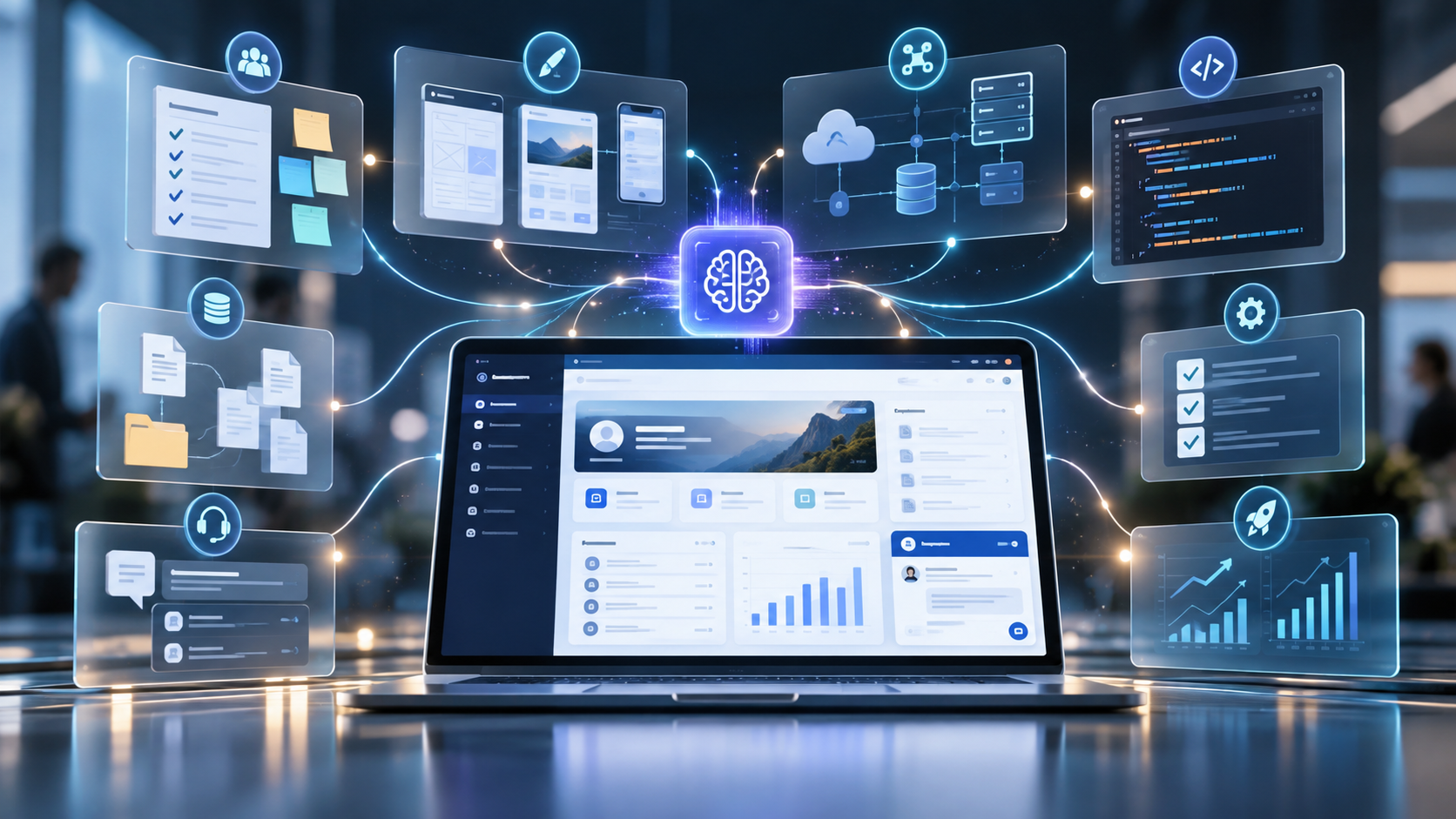
The value of AI across the SDLC becomes clearer when these applications are considered as parts of a single project. Consider a team building a customer portal that connects to an existing enterprise platform. During discovery, AI can organize stakeholder interviews into candidate requirements and flag unclear acceptance criteria. Designers can use the approved requirements to explore interface concepts while engineers assess authentication, data access, and integration choices. Coding assistants can then help implement small, reviewable features and suggest tests tied to the requirements. After release, AI can help analyze support tickets and performance logs to identify improvements for later iterations. Product owners, designers, engineers, and release managers remain accountable for validating outputs and approving decisions throughout.

SDLC stage AI assistance Human responsibility
Discovery Requirements analysis, user stories Validate business requirements
Prototyping and UX Interface ideas and prototypes Test usability and accessibility
Architecture Compare designs and integrations Approve technical decisions
Implementation Code suggestions and refactoring Review code and dependencies
Testing Test ideas and defect analysis Verify coverage and quality
Deployment Release notes and CI/CD support Authorize and monitor release
Maintenance Incident triage and legacy analysis Validate fixes and improvements

Making AI Useful Across the Entire Lifecycle

A fragmented rollout can make one developer faster while creating more downstream review, integration, and maintenance work. A feature drafted in half the usual time can still slow delivery if it introduces defects, requires extensive review, or breaks an integration. DORA’s 2025 findings emphasize that gains depend on the surrounding organizational system, including strong engineering practices and feedback loops. Measure dependable software delivery, not simply the quantity of generated code.

Start with a few high-friction tasks, such as requirements clarification, test design, or incident triage. Establish approved tools, repository access rules, review responsibilities, and quality gates. Then measure end-to-end results: lead time, rework, escaped defects, deployment stability, and time spent on meaningful engineering work. Compare those results with a baseline rather than relying only on self-reported productivity.

The most durable use of AI is as a continuous engineering assistant, not a replacement for product judgment or technical accountability. The greatest value comes from connecting AI-assisted planning, development, testing, and operations into a reliable, continuously improving software delivery process.


Key Benefits of Generative AI in Business

AI Workflow

Generative AI has moved beyond experimentation. Businesses are using it to draft materials, interpret information, accelerate development, and make specialized knowledge easier to access. The challenge is no longer finding something AI can do. It is identifying work where AI makes a measurable difference.

A useful AI strategy starts with the work itself: who performs it, what slows it down, what quality standards matter, and what happens when the output is wrong. Without that discipline, organizations risk accumulating tools and demonstrations that never become dependable parts of daily operations.

Where Generative AI Fits into Business Operations

Generative AI is particularly suited to information-heavy work involving drafting, summarizing, classification, translation, analysis, and code generation. These activities appear across departments, but the best implementations address a specific workflow rather than applying the same assistant to every task.

Marketing and Communications

Marketing teams can develop early campaign concepts, adapt copy for different channels, analyze customer feedback, and prepare content briefs. AI is most useful here as an accelerator of research and production, not an independent source of brand strategy. Human review remains essential for originality, accuracy, claims, and tone.

Customer Support and Internal Knowledge

Support representatives can use AI to find relevant knowledge-base material, summarize long conversations, and draft responses. For example, a software support team could connect an assistant to an approved knowledge base so it can retrieve troubleshooting steps and prepare responses for employees to verify before sending. Other departments can similarly use AI to search policies, manuals, and project documentation. In every case, the benefit depends on current, accessible information and clear links to trustworthy sources.

Software Development and Product Teams

Developers can generate initial code, documentation, test suggestions, and explanations of existing systems. Product teams can organize requirements and explore prototype concepts. These tools can reduce repetitive work, but architectural design, code reviews, security, and release decisions remain engineering responsibilities.

Research, Finance, and Administration

AI can summarize lengthy reports, compare supplied documents, help organize meeting notes, and prepare preliminary analyses. In financial and operational work, generated explanations should be checked against authoritative records. A fluent summary is not evidence that the underlying numbers or conclusions are correct.

The Benefits That Matter Most

Gen AI Benefits

Speed is an obvious attraction, but speed alone is a weak success metric. If a draft takes five minutes to generate and thirty minutes to correct, the business case changes. The useful measure is the effort required to produce an acceptable final result—and whether that improvement reduces delays across the complete workflow. Faster drafting creates little value when downstream approvals remain the bottleneck.

There is evidence of meaningful gains in certain environments. A study by Erik Brynjolfsson, Danielle Li, and Lindsey Raymond examined a generative AI assistant introduced to customer support agents. The researchers reported an average productivity increase of about 14%, measured by issues resolved per hour, with larger gains among less experienced workers. That finding is specific to the studied workplace and should not be treated as a universal productivity forecast.

Generative AI may also help organizations make expertise more accessible. A new employee can obtain explanations of unfamiliar procedures, while an experienced specialist can spend less time producing routine documentation. These benefits are strongest when the system draws on accurate information and employees know when to challenge its output.

Another opportunity is consistency. Shared templates and approved reference materials can help teams maintain terminology, documentation standards, and communication practices. But consistency should not be confused with correctness: a system can repeat the same mistake reliably.

Where Generative AI Falls Short

Generative models can produce confident but incorrect claims, invented references, incomplete analysis, and code with subtle defects. Their outputs may vary with prompting, context, and model changes. These limitations matter most when the resulting content informs financial, legal, technical, or customer-facing decisions.

Data handling deserves equal attention. Employees may enter confidential documents, customer records, or proprietary code into tools without understanding retention, access, or contractual controls. Organizations need approved environments, clear usage rules, and appropriate data restrictions before sensitive workflows are introduced.

The NIST Generative AI Profile identifies risks including confabulation, privacy issues, and other potential harms. Those categories provide a useful basis for evaluating where verification, access controls, documentation, and human oversight are required.

How to Identify High-Value Opportunities

The strongest starting points are often frequent, time-consuming tasks with clear quality criteria and manageable consequences when AI makes an error. Examples include preparing internal summaries, organizing research, creating first drafts, or assisting with noncritical documentation.

Rather than asking each department to suggest AI ideas, map one existing process from input to approved output. Record how long it takes, where handoffs occur, what information is needed, and how errors are caught. This exposes the difference between a task that feels repetitive and one that can safely be improved with AI.

Then distinguish three options. A standalone assistant may suffice when employees need occasional help drafting or summarizing. AI embedded in an existing business application fits recurring work already managed there. A custom system is more appropriate when tasks depend on proprietary data, specialized workflows, or controls unavailable in standard tools. The added flexibility also brings maintenance, integration, and security obligations.

Implementation: People, Data, and Process

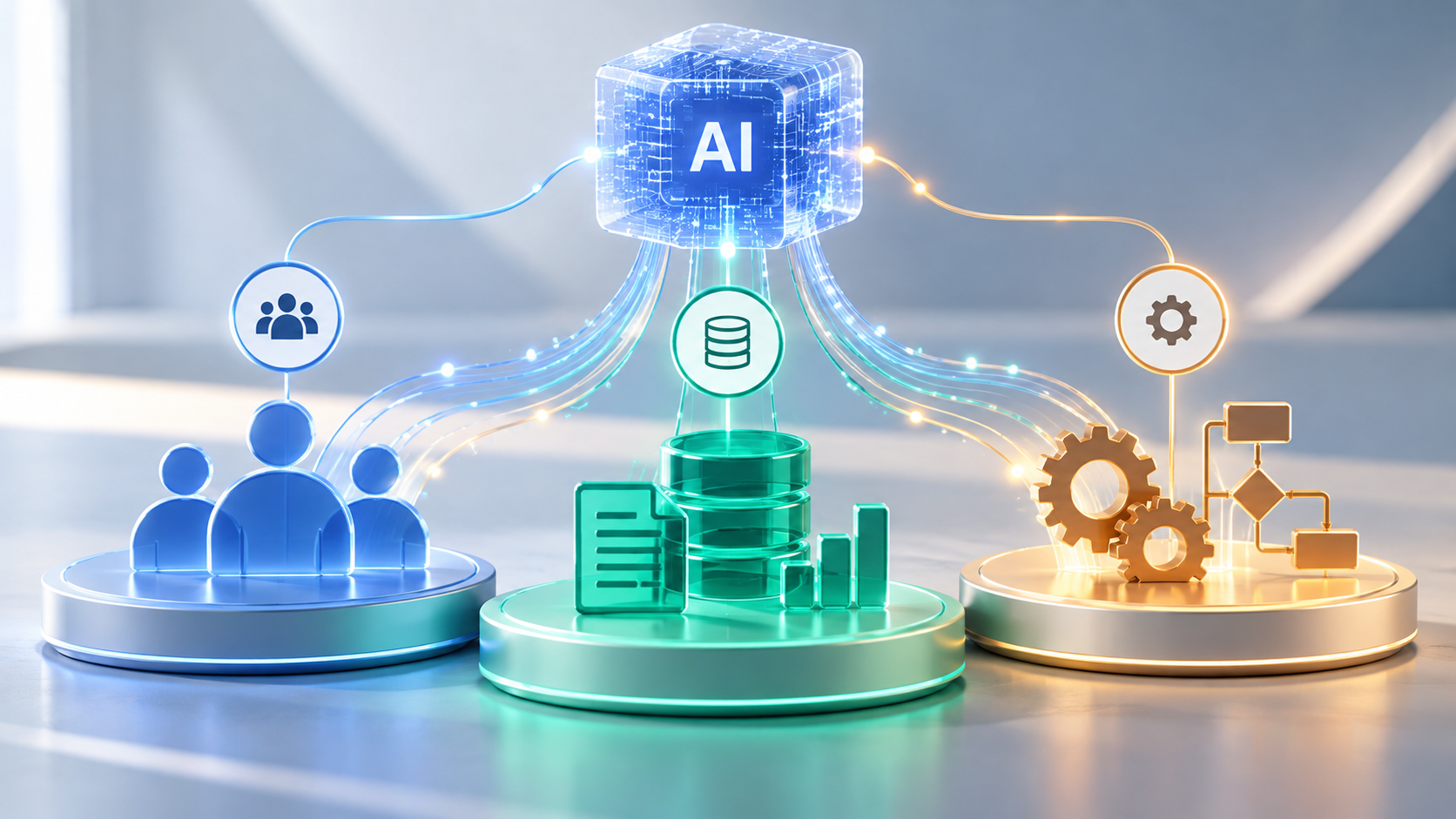
AI for People, Data, and Processes

Start with a bounded pilot that has a responsible owner, a documented use case, and a clear definition of success. Select representative examples, including difficult cases, rather than evaluating the tool only on ideal inputs. Establish what employees should verify and when they should stop using an output.

Next, decide which information the system may access. Public material may need little additional integration, while internal knowledge may require retrieval-augmented generation (RAG). This approach retrieves relevant documents and supplies them as context to the language model rather than relying solely on its training. Effective RAG still depends on accurate sources, reliable retrieval, permission-aware access, and testing. Information access should reflect actual business needs rather than being granted by default. In practice, dependable source data, integration design, and validation can matter more to an application’s usefulness than the model’s standalone capabilities.

Employee training is part of implementation, not an optional follow-up. Teams need to recognize unsupported assertions, protect confidential information, review outputs, and report recurring errors. Managers should also make the purpose of the tool clear: which work it should improve and which decisions still belong to people.

Finally, choose the simplest technical approach that meets the requirement. A supported business application may be sufficient for document drafting. A specialized internal knowledge assistant may require integrations. A custom solution makes sense when workflows, data controls, or user experience cannot be accommodated effectively by existing tools.

Measure Results Before Scaling

Compare pilot outcomes against a baseline established before deployment. Useful measures include end-to-end task time, accepted-output rate, correction effort, error frequency, user adoption, and total operating cost. For example, a team might compare the time required to draft, verify, and approve technical reports before and after introducing AI. Faster drafts deliver little value if corrections consume the time saved. For customer-facing applications, monitor service quality rather than assuming faster responses automatically mean better experiences.

Include the hidden costs: subscriptions or usage fees, integration work, training, security review, monitoring, and ongoing changes. A pilot that saves time for one employee may still be uneconomical if the wider process requires extensive review or frequent troubleshooting.

Expand only after the results justify it. Successful examples can become repeatable workflows with documentation, ownership, and periodic evaluation. Failed pilots are still useful when they reveal poor source data, unclear requirements, or work that should remain primarily human-led.

Building a Sustainable Generative AI Strategy

A sustainable strategy requires ongoing reassessment, not just a successful initial deployment. Model capabilities and costs change, business information becomes outdated, and workflows evolve. Teams need clear ownership and periodic reviews of quality, access, and operational impact.

Generative AI is a capability within business operations, not a strategy by itself. Its long-term value depends on adapting the technology and surrounding processes as the business changes.

Top Productivity Apps and How They Can Change Your Business

Productivity Apps are on the rise. They represent a growing vertical which reaps profit off of creating apps which enhance technology use to ensure one gets the most out of their devices. Entrepreneurial app developers are looking to capitalize. Here’s a list of the market trends and some the best productivity apps within each niche.

EMAIL APPS

Hundreds, sometimes thousands of unnecessary emails make it difficult to decipher which emails are important and which still need responses. A bevy of productivity apps are aimed at helping users organize their inboxes, as well as redefining the way we collaborate.

Mailbox is designed by the makers of Orchestra To-Do, the 2011 Productivity App of the Year, in collaboration with Dropbox. Mailbox allows you to prioritize emails and tasks, instantly snooze them, and reminds you later of their existence while you focus on what’s important.

Check out this awesome video to see Mailbox in action:

http://vimeo.com/54553882

Similar to Mailbox, Boomerang works with Gmail to allow users to draft messages and schedule them to be sent later. It reminds the user if they don’t hear back from important emails. It also allows the user to temporarily clear out distracting emails and return to them later.

TIME MANAGEMENT APPS

One of the big sectors of opportunity for productivity apps is time management. The importance of a daily routine has been well-documented by a plethora of innovators. A large portion of productivity apps are dedicated toward maximizing one’s time through calendar integration.

Eternity Time Log gives users the ability to completely record and time their activities. It allows them to create a hierarchy in their priorities, to review their daily logs, analyze reports and understand where they may be losing time.

Timeful is a calendar app which learns how the user gets things done and helps to hone their habits by suggesting how to build new habits and work more efficiently.

Sunrise is a free app which streamlines activities—it can automatically dial-in to scheduled conference calls, as well as import photos of your contacts from social media.

COLLABORATION APPS

Some apps are dedicated to making for collaboration seamless no matter the distance between collaborators. Quip, created by Facebook’s former CTO, allows users to create documents, spreadsheets, and presentations and allows them to collaborate easily on blog posts, projects, or even with one’s family on grocery lists.

Slack eliminates the need for an internal email system with a streamlined communications app designed specifically for professionals.

Yammer is a private social network designed specifically for the office. It not only allows employees to share information faster and more efficiently, it makes that information easily accessible to the people who need it who might not necessarily be CC’d on the thread. Yammer also integrates with Microsoft Office 365 to further enhance the work integration and collaboration experience.

MISCELLANEOUS APPS

A number of productivity apps defy traditional labels in their unique quest to maximize one’s time.

Networking is a major part of any business. Humin acts as a digital butler which remembers details about how and where you meet your business connections.

Noisli generates background sounds and colors based on the user’s activity designed to improve focus, whether you’re working or relaxing.

f.lux automatically adjusts the colors of the user’s phone or computer backlight to the time of day. If it’s late, the app filters out blue light which is known to disrupt sleep patterns, replacing it with an amber glow, making for a more efficient sleep.

Productivity apps represent an opportunity to dramatically improve the efficiency of one’s daily routine through technology. With the right app developer, finding a niche in which an app could potentially make life easier and more productive will result in not only a positive human contribution, but a profitable one as well.

At Mystic Media, we’re always looking for the next big vertical. Our experience in both iOS and Android app development as well as strategic marketing gives us the know-how to execute application development projects and shepherd them to success. Learn more by clicking here or contacting us by phone at 801.994.6815