
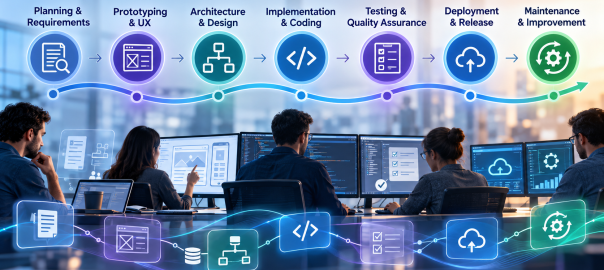
AI-assisted development is often reduced to code generation. Its more consequential effect is how engineering teams move information and decisions through the entire software development lifecycle (SDLC). Requirements become test cases, prototypes inform architecture, code changes trigger reviews, and operational feedback shapes the next release. AI can assist at every handoff—but only when teams retain clear ownership of the decisions.
Google’s 2025 DORA research describes AI as an amplifier of organizational strengths and weaknesses. That is a useful lens: accelerating one stage of development does not automatically produce better software or faster, safer releases. The opportunity lies in connecting AI-assisted work to a disciplined delivery process.
1. Discovery and Requirements: Turning Ambiguity into a Plan
Software projects routinely begin with incomplete requests, competing priorities, and undocumented assumptions. AI can help analyze stakeholder notes, summarize interviews, group feature requests, draft user stories, and identify requirements that need clarification. For an existing application, it may also help teams understand documentation and trace likely dependencies.
The meaningful deliverable is not a polished requirements document produced in seconds. It is a set of decisions that stakeholders can validate: intended users, acceptance criteria, business rules, integrations, accessibility needs, and constraints. Have product owners confirm those decisions before they become implementation instructions.
2. Prototyping and UX: Exploring Alternatives Earlier
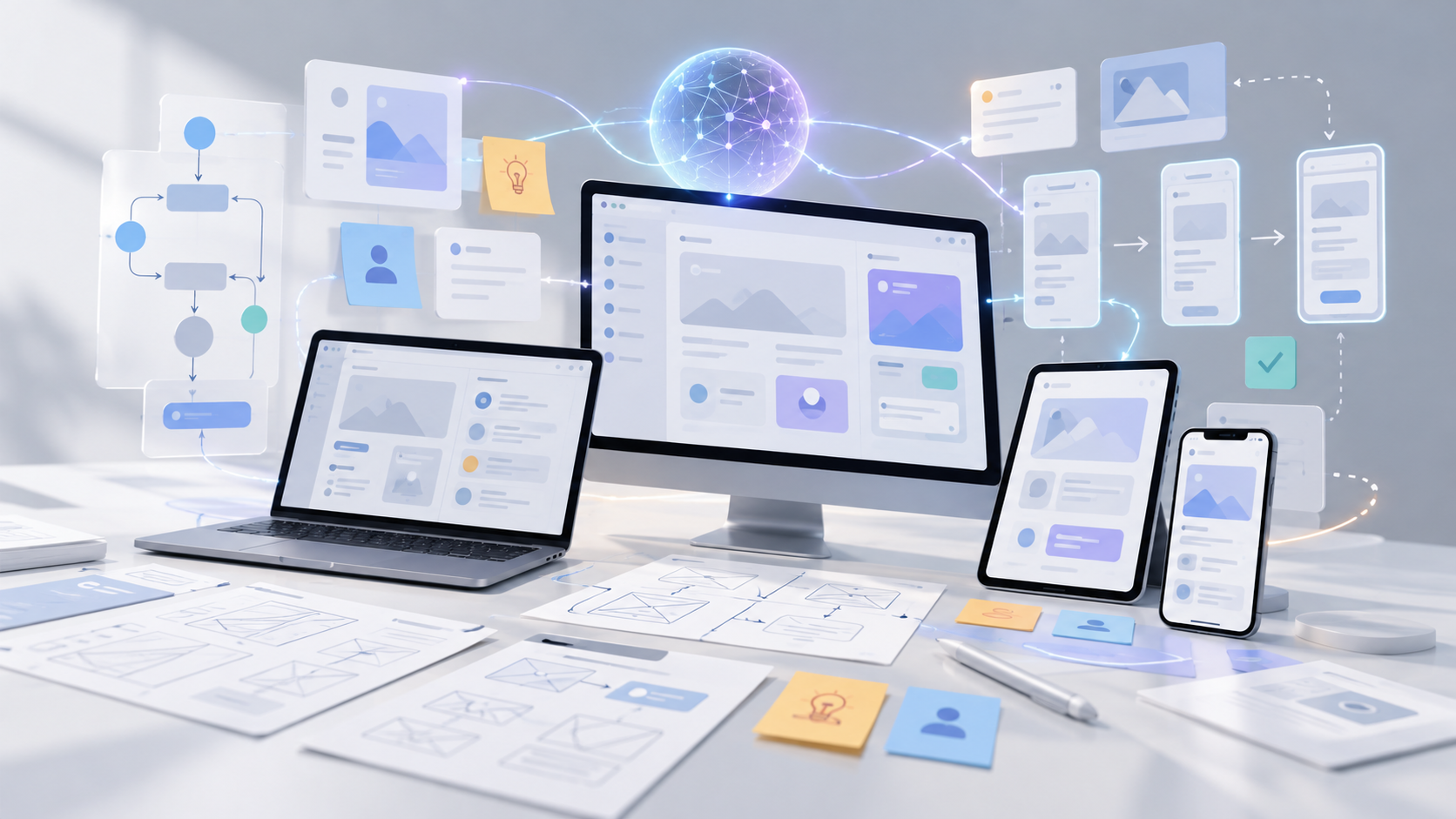
AI can accelerate early experiments by generating interface concepts, sample content, interaction flows, and disposable prototypes. That shortens the distance between a verbal idea and something stakeholders can inspect. It also makes comparing multiple approaches less expensive than committing immediately to one design.
A prototype, however, does not establish production readiness. Generated interfaces still need research with actual users, accessibility checks, responsive behavior, and validation against real workflows. Teams should label experimental code clearly so a quick demonstration is not silently promoted into a maintained product.
3. Architecture and Technical Planning: Testing the Design Before Building
AI assistants can help engineers compare architecture options, outline service boundaries, document API contracts, surface migration questions, and explore the operational implications of a design. Used effectively, AI-assisted planning can reveal architectural trade-offs earlier in the development process: centralized versus distributed components, managed services versus custom infrastructure, or synchronous versus event-driven integrations.
The architect still needs to evaluate scalability, security boundaries, data ownership, cost, maintainability, and team expertise. A convincing AI-generated diagram cannot verify that an architecture fits a company’s legacy systems. Treat the output as a set of alternatives and questions for technical review, not an approval authority.
4. Implementation: Coding With Context and Constraints
In development environments, AI can suggest functions, explain unfamiliar code, generate boilerplate, propose refactors, and help developers navigate large repositories. Agentic tools can sometimes work across multiple files and prepare changes for review. GitHub documents AI assistance across planning, coding, review, testing, and shipping workflows, illustrating that the tool’s role now extends beyond autocomplete.
Coding assistants are more useful when teams maintain clear project documentation, repository-specific instructions, consistent coding standards, and reliable automated tests. Ask for small, reviewable changes linked to approved requirements and verify them against existing interfaces. Keep the connection between requirements, implementation changes, and corresponding tests traceable throughout review. Keep changes in version control, inspect dependencies, and apply the same engineering standards regardless of who—or what—drafted the code.
5. Testing and Quality Assurance: Expanding Coverage, Not Lowering Standards
AI can propose unit tests, identify untested paths, generate representative test data, and help translate acceptance criteria into automated checks. During review, it can flag suspicious changes or explain why a failure may have occurred. GitHub’s Copilot documentation, for example, describes AI-generated pull-request review suggestions.
But test generation is not the same as test adequacy. A system may generate tests that merely confirm its own incorrect assumptions. Engineers still need independent expectations, meaningful integration tests, security scanning, performance testing, and human judgment for high-risk functionality. The strongest workflow uses AI to broaden the search for defects while maintaining objective pass/fail gates.
6. Deployment and Release: Connecting Changes to Operational Evidence
AI can assist with deployment manifests, infrastructure templates, release notes, runbook drafts, and explanations of failing CI/CD pipelines. It can also summarize changes across pull requests so release managers understand what is moving into production.
Production changes should still pass controlled build pipelines, automated checks, approval gates, and rollback planning. Credentials and infrastructure access require explicit limits. An AI assistant may recommend a deployment action; that is different from granting it unrestricted authority to execute one. Rehearsing failures and validating recovery paths are more valuable than accelerating a release that cannot be safely reversed.
7. Maintenance and Modernization: Learning From Software in Use
After launch, AI can help triage incident reports, cluster recurring support issues, summarize logs, locate likely fault paths, and draft documentation. It can also support legacy modernization by explaining old components, mapping dependencies, and suggesting incremental refactors.
Here, context quality matters especially. A diagnosis based on incomplete telemetry or outdated documentation may send developers in the wrong direction. Correlate AI suggestions with observability data, reproducible defects, and actual user impact. Prefer incremental changes supported by regression tests over wholesale rewrites generated from partial understanding.
An End-to-End Example: Developing an Enterprise Customer Portal
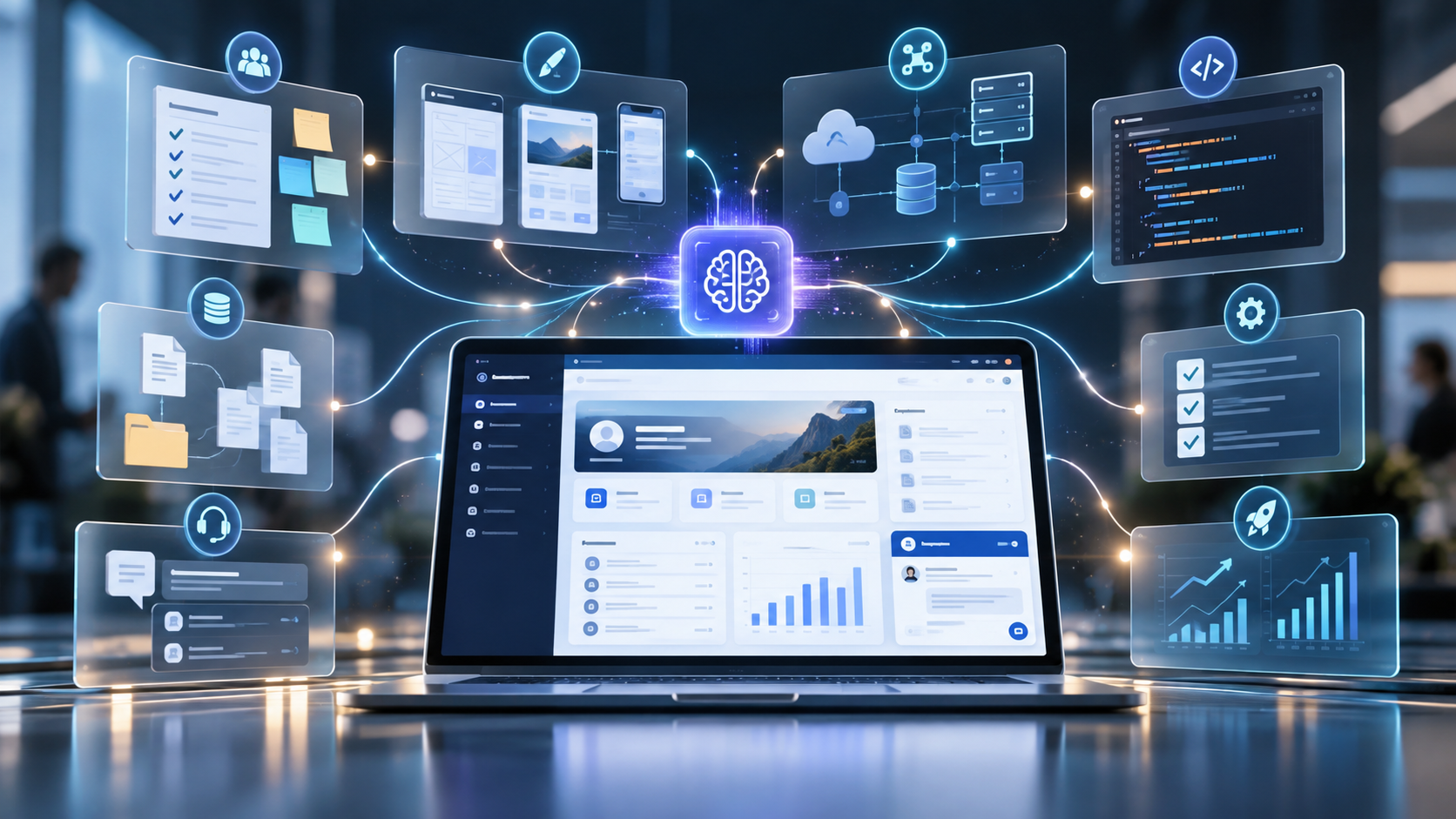
The value of AI across the SDLC becomes clearer when these applications are considered as parts of a single project. Consider a team building a customer portal that connects to an existing enterprise platform. During discovery, AI can organize stakeholder interviews into candidate requirements and flag unclear acceptance criteria. Designers can use the approved requirements to explore interface concepts while engineers assess authentication, data access, and integration choices. Coding assistants can then help implement small, reviewable features and suggest tests tied to the requirements. After release, AI can help analyze support tickets and performance logs to identify improvements for later iterations. Product owners, designers, engineers, and release managers remain accountable for validating outputs and approving decisions throughout.
| SDLC stage | AI assistance | Human responsibility |
|---|---|---|
| Discovery | Requirements analysis, user stories | Validate business requirements |
| Prototyping and UX | Interface ideas and prototypes | Test usability and accessibility |
| Architecture | Compare designs and integrations | Approve technical decisions |
| Implementation | Code suggestions and refactoring | Review code and dependencies |
| Testing | Test ideas and defect analysis | Verify coverage and quality |
| Deployment | Release notes and CI/CD support | Authorize and monitor release |
| Maintenance | Incident triage and legacy analysis | Validate fixes and improvements |
Making AI Useful Across the Entire Lifecycle
A fragmented rollout can make one developer faster while creating more downstream review, integration, and maintenance work. A feature drafted in half the usual time can still slow delivery if it introduces defects, requires extensive review, or breaks an integration. DORA’s 2025 findings emphasize that gains depend on the surrounding organizational system, including strong engineering practices and feedback loops. Measure dependable software delivery, not simply the quantity of generated code.
Start with a few high-friction tasks, such as requirements clarification, test design, or incident triage. Establish approved tools, repository access rules, review responsibilities, and quality gates. Then measure end-to-end results: lead time, rework, escaped defects, deployment stability, and time spent on meaningful engineering work. Compare those results with a baseline rather than relying only on self-reported productivity.
The most durable use of AI is as a continuous engineering assistant, not a replacement for product judgment or technical accountability. The greatest value comes from connecting AI-assisted planning, development, testing, and operations into a reliable, continuously improving software delivery process.